Updates
How Shady Notes checks for and installs new versions.
Shady Notes updates itself using Sparkle, the standard Mac update framework.
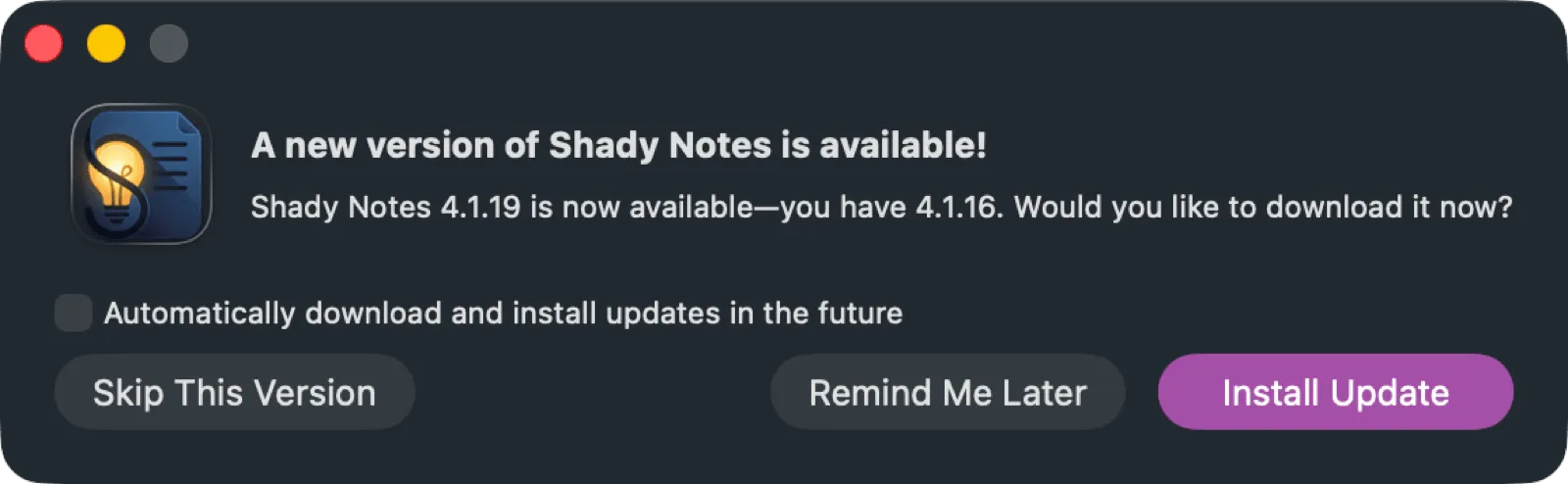
Automatic checks
Section titled “Automatic checks”Once a day, in the background. When one is found you get the dialog above with the release notes, and can install or skip.
Checking manually
Section titled “Checking manually”Check for Updates… from the app menu.
Verification
Section titled “Verification”Every update is checked twice before it is installed:
- Apple notarisation, as with the original download
- An EdDSA signature verified by Sparkle against a key built into the app
An update that fails either check is refused. That means a tampered or substituted download cannot be installed, even if it reached your Mac.
Installed with Homebrew
Section titled “Installed with Homebrew”If you used brew install --cask shadynotes, update with Homebrew instead so its
records stay accurate:
brew upgrade --cask shadynotesWhat updates do not touch
Section titled “What updates do not touch”Your notes, your vault location, your settings, and your recorded history. An update replaces the application only.
Release notes
Section titled “Release notes”Every version is listed at shadynotes.app/changelog.
Documented against Shady Notes 4.1.19 · release notes