Install
Download Shady Notes, install it, and open it for the first time.
Shady Notes is a Mac app. It needs macOS 13 (Ventura) or later, and runs natively on both Apple Silicon and Intel — the download is a single universal build, so there is nothing to choose between.
Download
Section titled “Download”Get the current release from shadynotes.app/download.
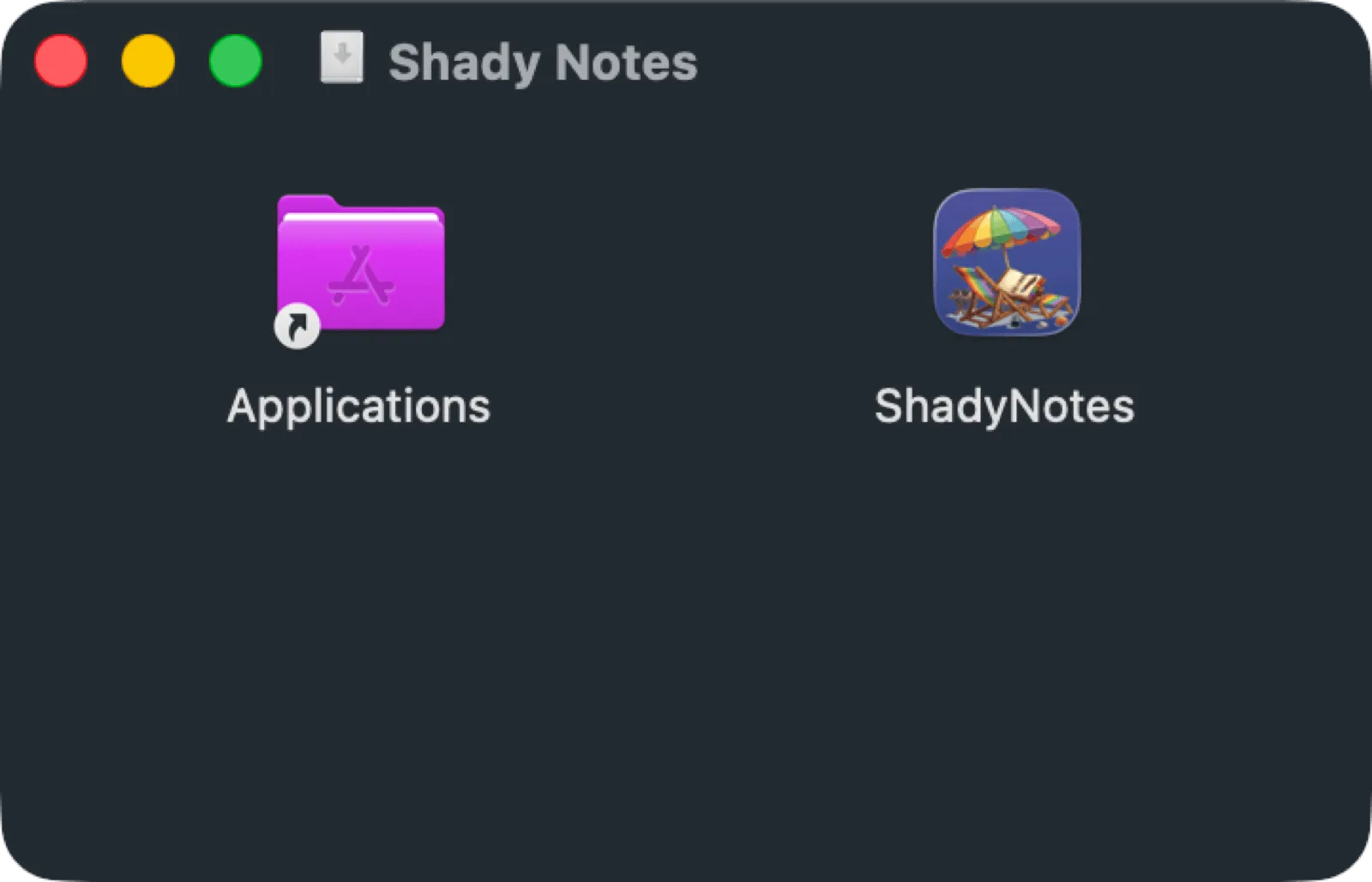
- Open the downloaded
.dmg. - Drag Shady Notes onto the Applications shortcut.
- Eject the disk image and open Shady Notes from Applications.
The app is signed and notarised by Apple, so it opens without the “unidentified developer” warning. If macOS asks whether you’re sure you want to open an app downloaded from the internet, that’s the normal first-run prompt — click Open.
With Homebrew
Section titled “With Homebrew”If you use Homebrew, the cask installs and updates the same build:
brew install --cask shadynotesWhat happens on first launch
Section titled “What happens on first launch”There is no window. Shady Notes lives in the menu bar — see First run for what to look for.
Documented against Shady Notes 4.1.19 · release notes