Markdown reference
Every Markdown syntax Shady Notes renders, with examples.
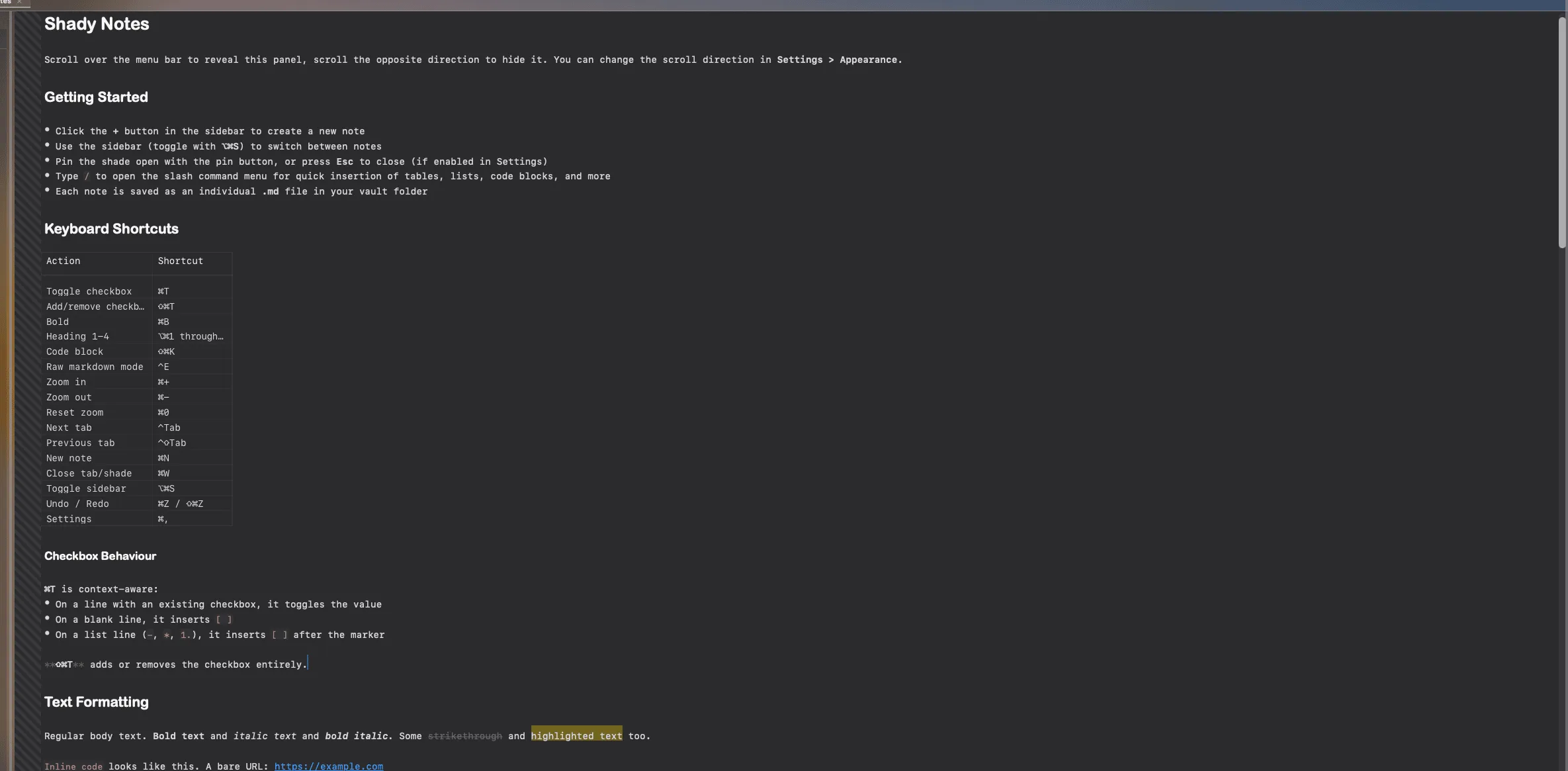
Shady Notes follows CommonMark with GitHub-flavoured extensions, plus a few additions of its own.
| Syntax | Renders as |
|---|---|
**bold** | bold |
*italic* | italic |
`inline code` | inline code |
~~strikethrough~~ | |
==highlight== | highlighted background |
[text](https://example.com) | a clickable link |
[[wikilink]] | a link to another note |
Headings
Section titled “Headings”# Heading 1## Heading 2### Heading 3#### Heading 4##### Heading 5Five levels, each scaled and weighted differently. ⌥⌘1 through ⌥⌘5 apply them to the current line.
- Bullet item* Also a bullet1. Numbered itemLists continue automatically on Return. Turn that off in Preferences → Editor if you’d rather they didn’t.
- [ ] Unchecked- [x] Checked[ ] Standalone, no list marker neededBlockquotes and callouts
Section titled “Blockquotes and callouts”> An ordinary blockquote.
> [!TIP]> A typed callout, with an icon and colour.→ Callouts
```swiftlet greeting = "Hello, world"```Tables
Section titled “Tables”| Column | Column ||---|---|| cell | cell |→ Tables
Images
Section titled “Images”![[image.png|400]]The second form is a wikilink-style embed with an explicit width in pixels. → Images
Type :name: for an emoji, or :name|32: to set its size in points. /emoji
opens a picker.
Horizontal rule
Section titled “Horizontal rule”---Front matter
Section titled “Front matter”A YAML block at the very top of a file is treated as metadata rather than content:
---status: in-progresstags: [docs, launch]---Plugins read these fields — the Kanban board builds its columns from status.
→ Plugins
Documented against Shady Notes 4.1.19 · release notes