The editor
Live Markdown rendering, raw mode, read-only mode, and zoom.
The editor renders Markdown as you type. Rather than a split pane with source on one side and preview on the other, there is one surface: markers hide themselves until your cursor enters the paragraph they belong to, then fade in so you can edit them.
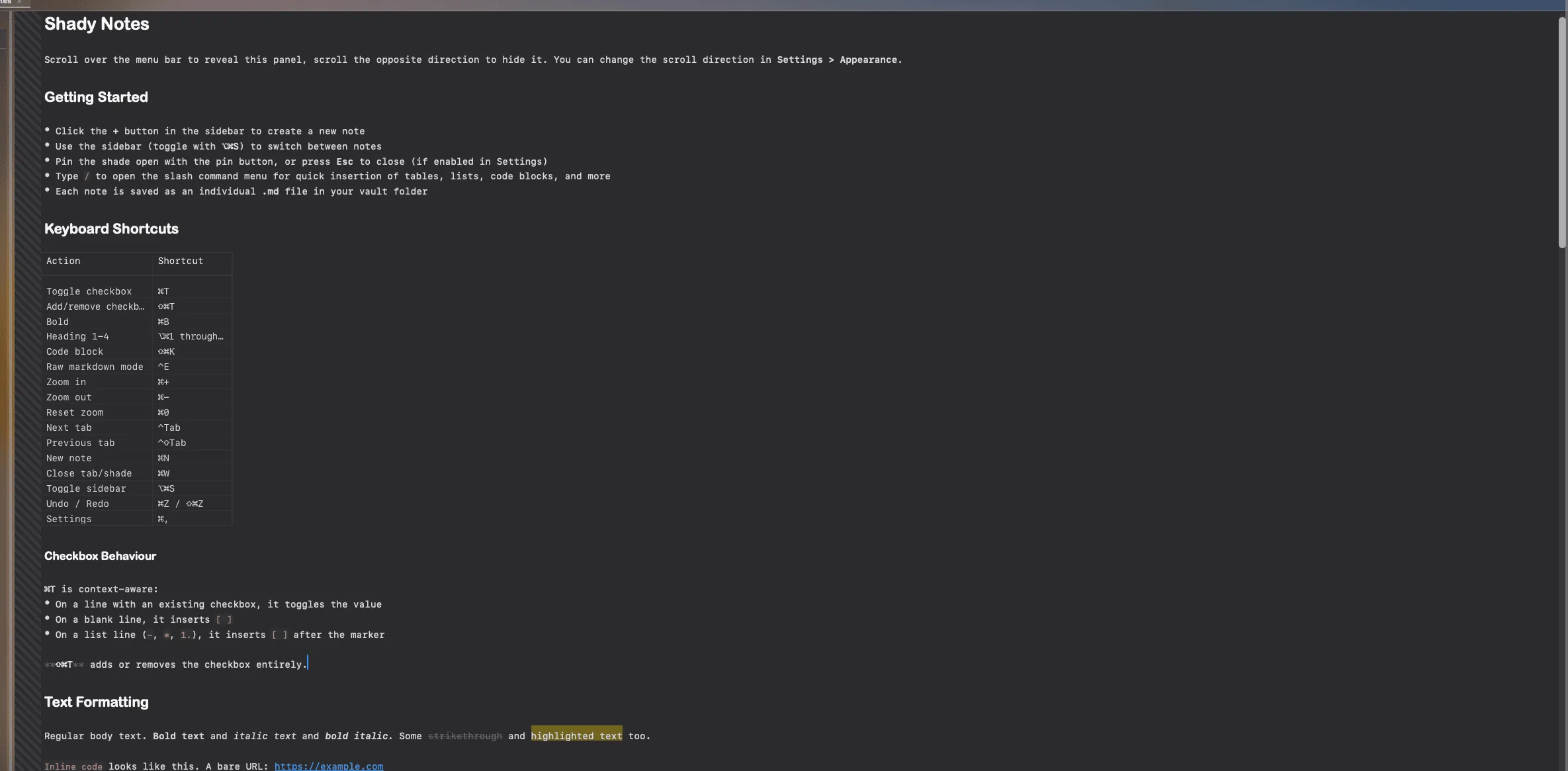
Put the cursor in a heading and the ## reappears, dimmed. Move away and it
hides again. Nothing is ever hidden from the file itself — only from the display.
Raw mode
Section titled “Raw mode”Press ⌃E, or click the document icon in the toolbar, to see the plain Markdown source with syntax colouring only — no hidden markers, no heading sizes, no rendered tables.
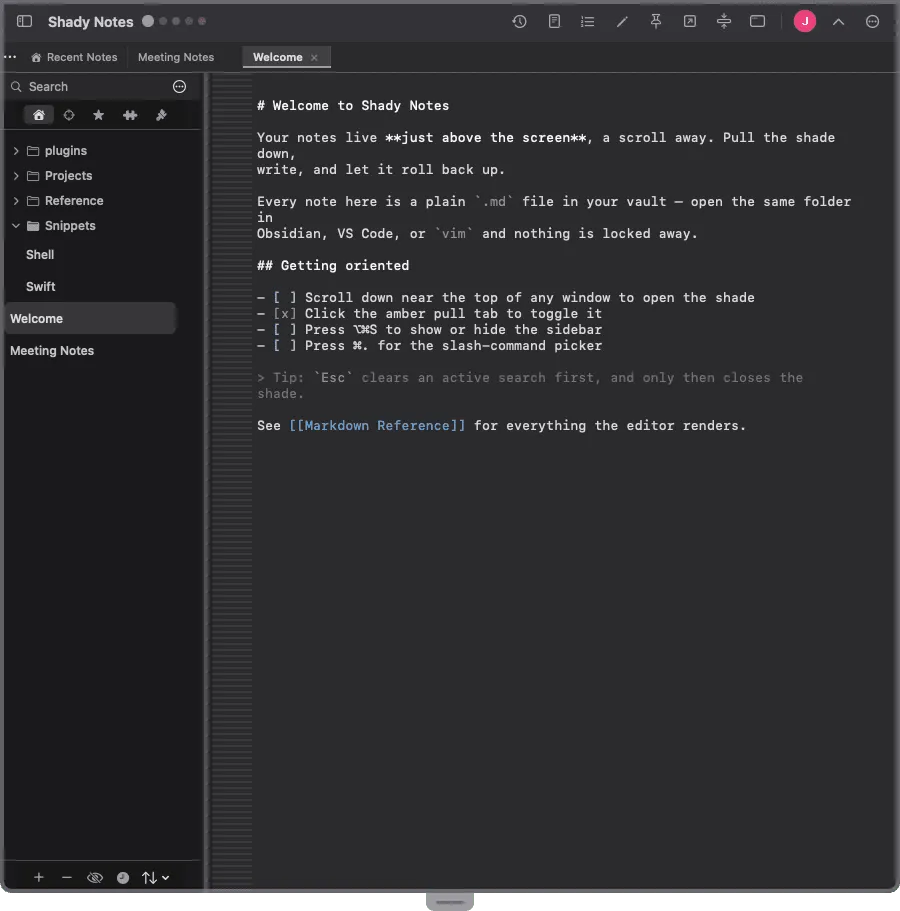
Useful when a document’s structure is not doing what you expect.
Read-only mode
Section titled “Read-only mode”⌘E makes the current note read-only. The rendering is unchanged; the text simply cannot be edited. Good for a reference note you keep open and would rather not typo into.
Moving lines
Section titled “Moving lines”⌥↑ and ⌥↓ move the current line — or the selected lines — up and down. Useful for reordering a list without cutting and pasting.
| Action | Shortcut |
|---|---|
| Zoom in | ⌘= |
| Zoom out | ⌘- |
| Actual size | ⌘0 |
Zoom affects the editing surface only, not the sidebar or toolbar, and persists across restarts.
Line numbers and whitespace
Section titled “Line numbers and whitespace”Both can be turned on independently for each of the three modes — raw, editing and read-only — in Preferences → Editor. Line numbers in raw mode but not while writing is a common preference.
Fonts and margins
Section titled “Fonts and margins”Body, monospace, heading and table fonts are each set separately, as is the editor margin. → Editor settings
Code blocks
Section titled “Code blocks”Fenced blocks with a language tag are syntax-highlighted. Soft wrap, maximum width, a language header and line height are all configurable.
```swiftlet greeting = "Hello, world"print(greeting)```Highlighting covers Swift, Python, JavaScript, TypeScript, Bash/Shell, JSON, HTML, CSS and Rust.
Documented against Shady Notes 4.1.19 · release notes