Revision history
Browse and restore earlier versions of a note.
Premium Revision history is one of three features that need a trial or a paid plan. See Licensing.
Shady Notes can keep a version history of every note and let you read or restore any earlier state.
Turning it on
Section titled “Turning it on”Preferences → History. Once enabled, Shady Notes commits changes in the background as you write — there is no save button and no manual snapshot step.
When a version is recorded
Section titled “When a version is recorded”Not on every keystroke. Two rules decide:
- A minimum interval between commits, so a burst of typing produces one version rather than hundreds.
- A content hash check — if the text is unchanged, nothing is recorded, so opening and closing a note without editing does not add noise.
Both are configurable in Preferences → History.
Browsing and restoring
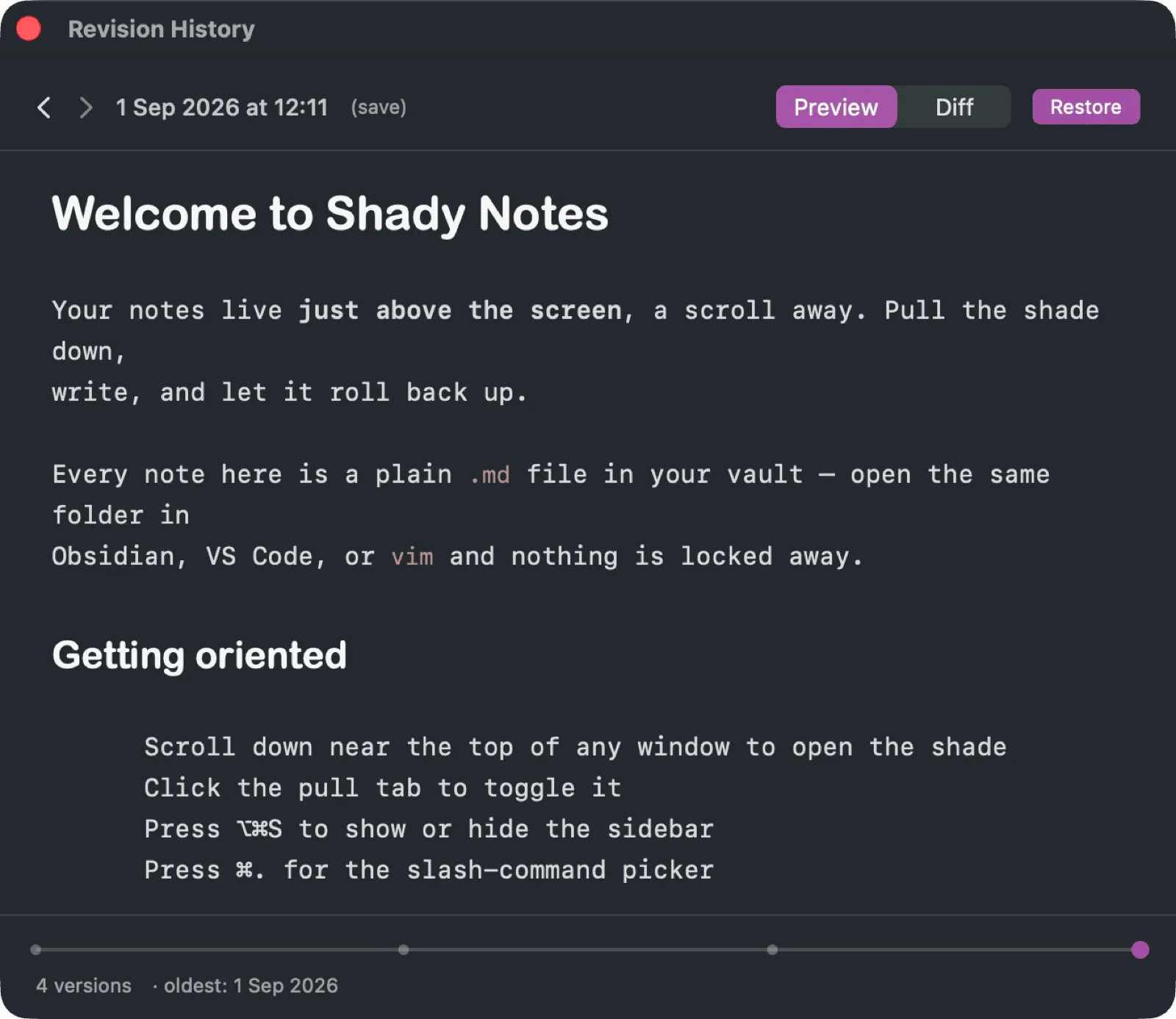
Section titled “Browsing and restoring”The timeline lists every recorded version with its timestamp. Select one to read it, or compare two side by side in the Navigator’s diff panel.
Restoring writes the old content back as a new version — the history is append-only, so restoring is itself undoable.
Where it is stored
Section titled “Where it is stored”In a git repository outside your vault, so the notes folder stays clean and
has no .git directory in it. → The git backend
If you turn it off
Section titled “If you turn it off”Existing history is kept, not deleted. Re-enabling picks up where it left off. The repository can be removed by hand if you want the disk space back — see the git backend page for where it lives.
Documented against Shady Notes 4.1.19 · release notes