Tour
A ten-minute guided tour of everything Shady Notes can do.
A quick pass over the whole app. Each section links to the page with the detail.
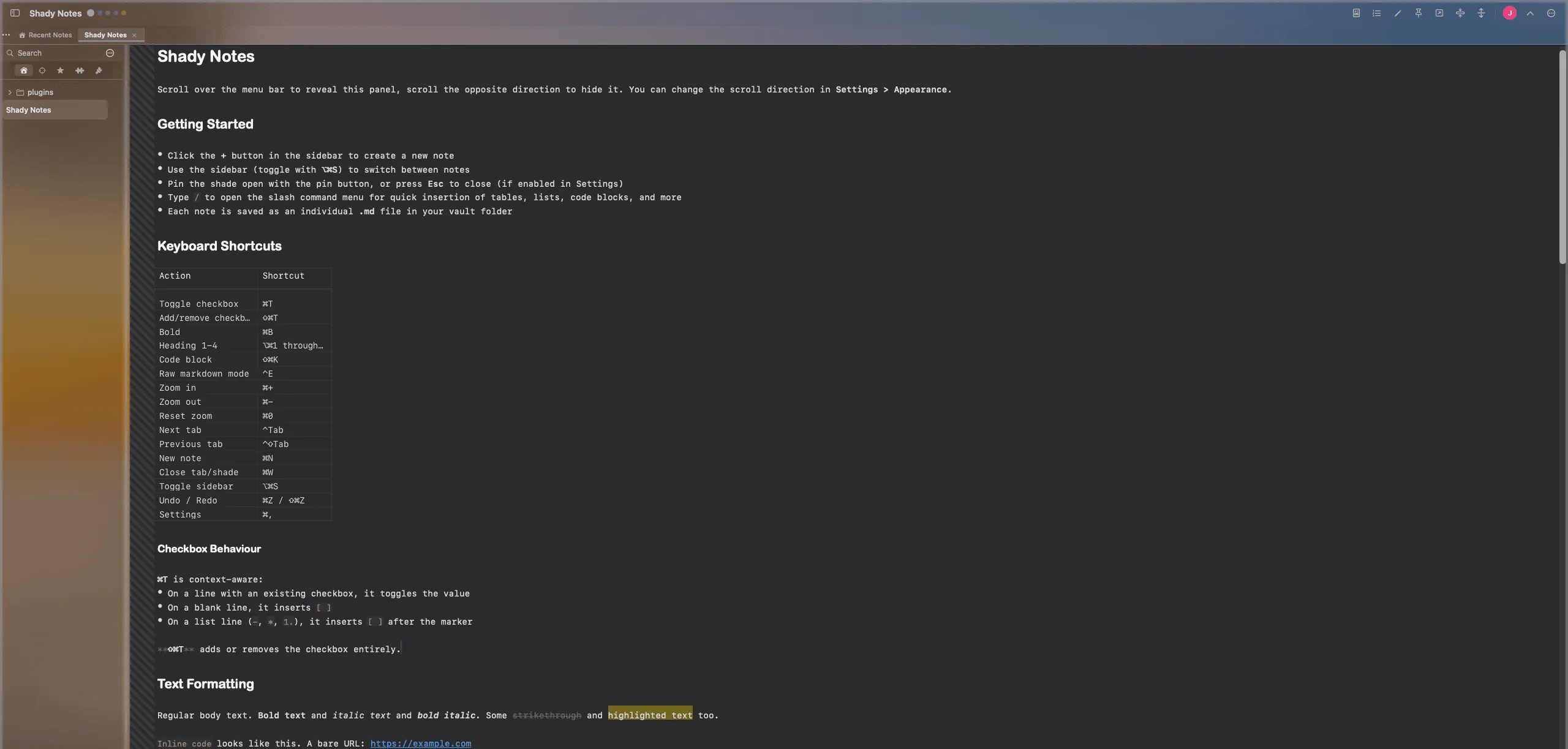
1. The shade
Section titled “1. The shade”Notes live above the top of the screen. Scroll down near the top edge, and the shade rolls into view; scroll up and it goes away. It floats above your other windows rather than joining them, so it never becomes another thing to find.
2. The toolbar
Section titled “2. The toolbar”
Everything the shade can do is reachable from here, and the … menu groups the lot.
→ Menus
3. The sidebar
Section titled “3. The sidebar”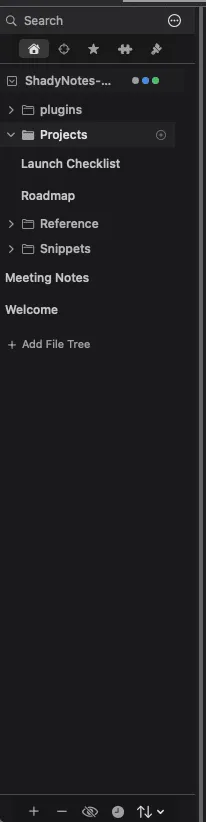
Your folders and notes, a search field, starred notes, themes and plugins — all in tabs down the side. Toggle it with ⌥⌘S.
4. Writing
Section titled “4. Writing”The editor renders Markdown as you type. Syntax markers hide themselves until
your cursor enters the paragraph they belong to, so a heading looks like a
heading rather than ## like this.
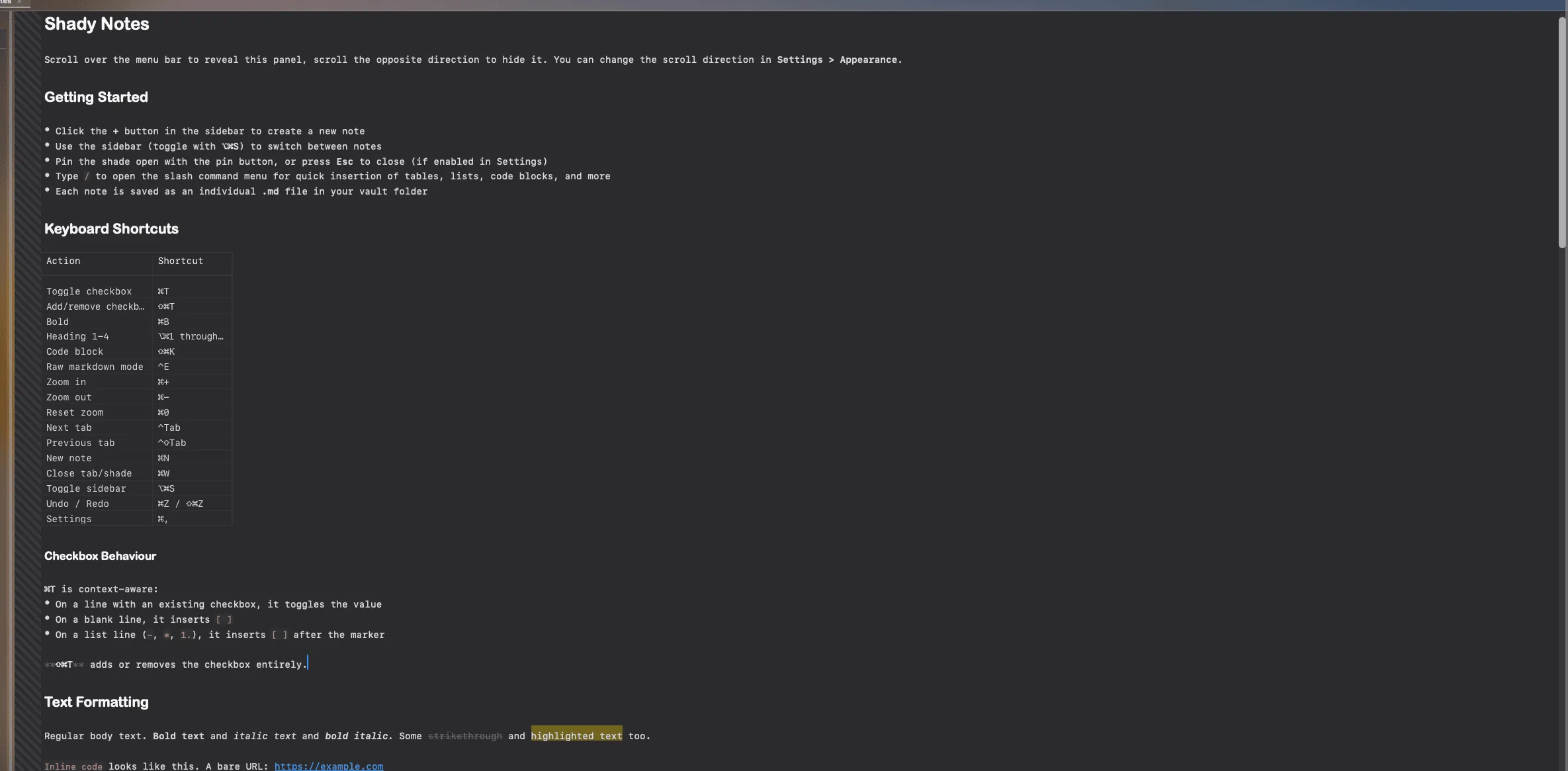
Press ⌃E to see the raw Markdown at any time.
→ The editor · Markdown reference
5. Tasks
Section titled “5. Tasks”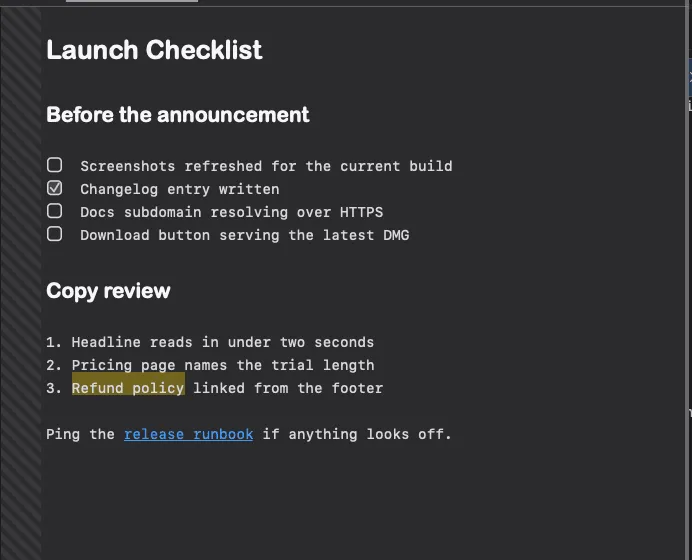
⌘T toggles a checkbox, adds one to a list item, or drops a standalone one on a blank line, depending on where the cursor is.
6. Getting around
Section titled “6. Getting around”Notes open in tabs. Several root folders can be open at once, grouped into workspaces — colour-coded contexts with their own starred notes and home page.

→ Tabs · Workspaces
7. The Navigator
Section titled “7. The Navigator”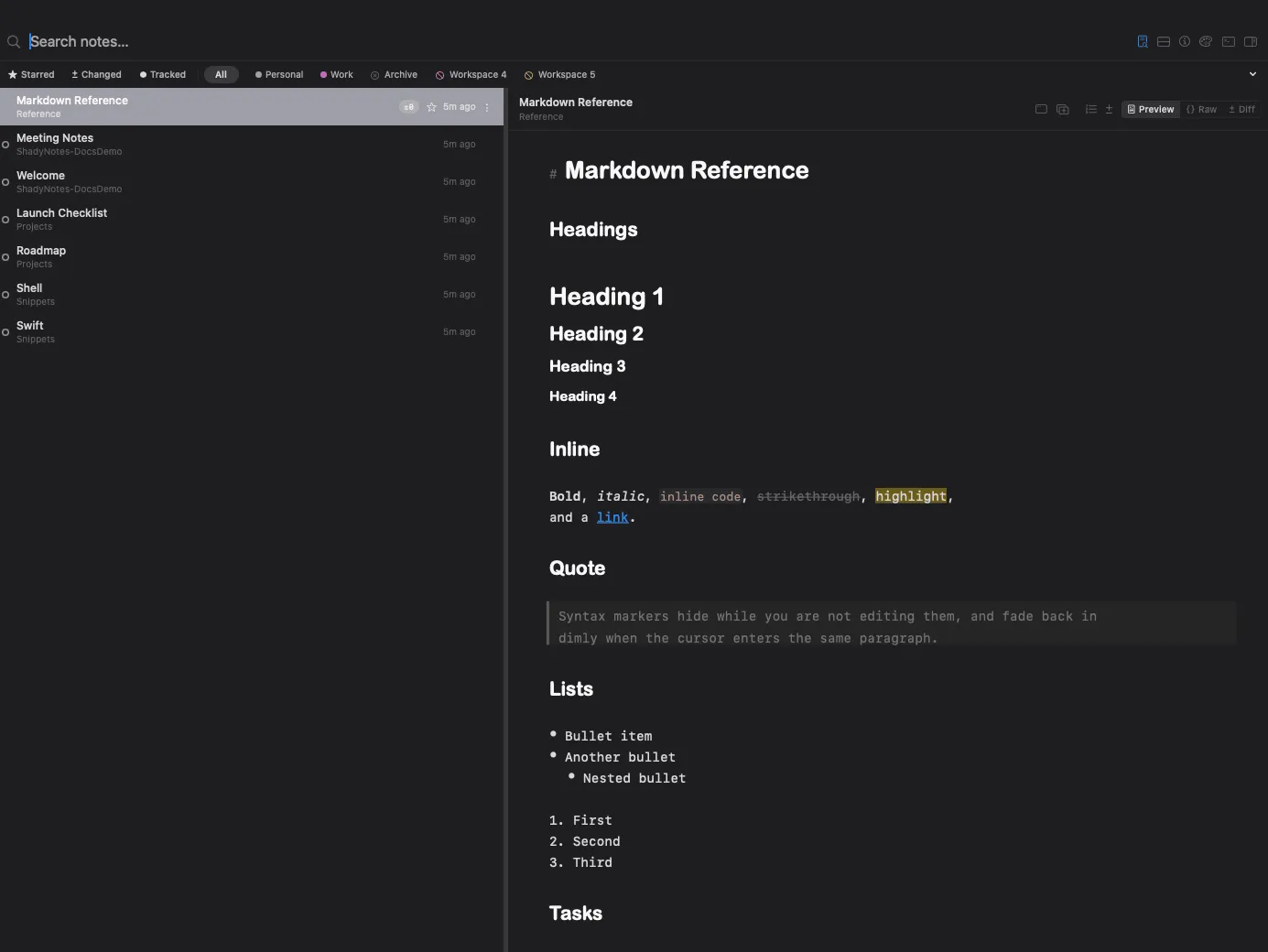
A full window for searching across every folder at once, comparing versions and browsing history — for when the shade is too small.
8. History
Section titled “8. History”Shady Notes can keep a version history of your notes, backed by git, and restore any earlier version.
9. Making it yours
Section titled “9. Making it yours”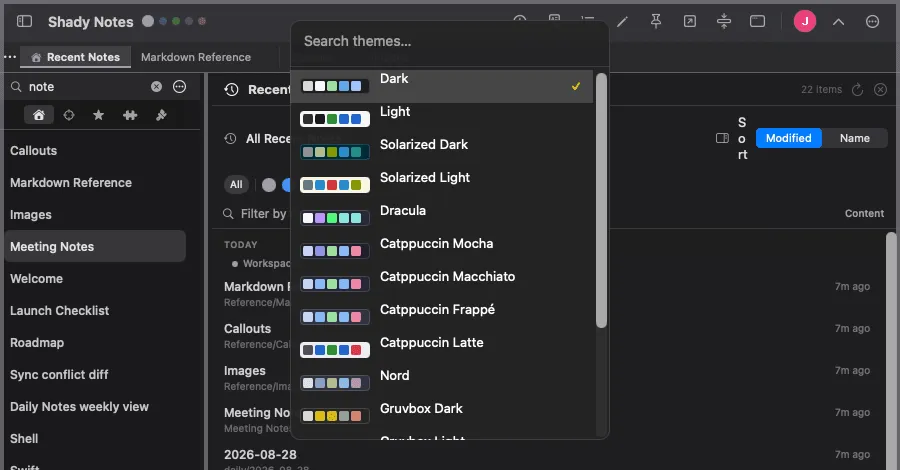
Sixteen themes, remappable shortcuts, and settings for nearly everything.
10. Plugins
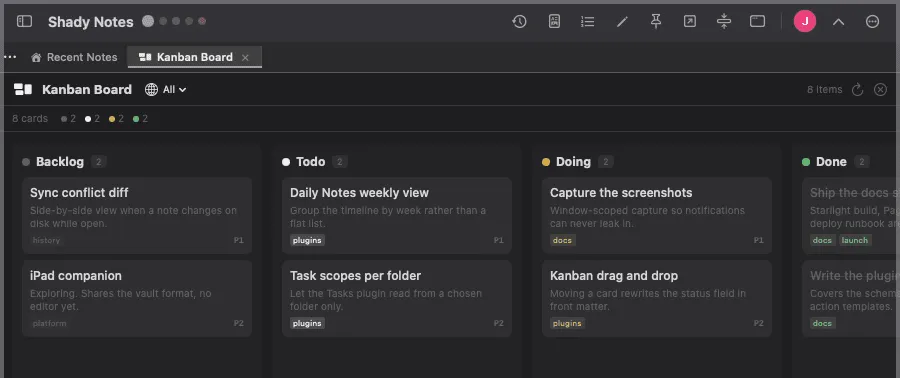
Section titled “10. Plugins”Boards, daily notes and task roll-ups, built from the notes you already have.
→ Plugins
Documented against Shady Notes 4.1.19 · release notes